Exact geometry
True NURBS surfaces and B-rep solids.
Our own kernel. You or your AI at the controls.
A completely custom NURBS and B-rep kernel, written specifically for reverse engineering.
7 days, every tool, no card needed (no saving or exporting during the trial).
Windows desktop software Exact geometry Editable history
From scanner to mesh
Bring in your scans from any scanner, as meshes or point clouds. Tesselform processes them into fully editable files ready to manufacture.
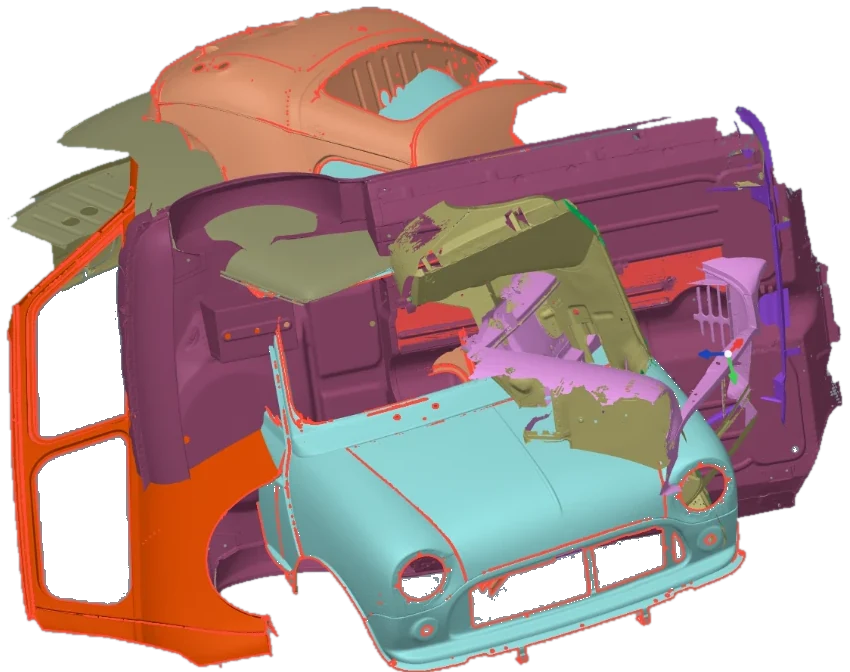
Individual scans, imported as meshes or point clouds.
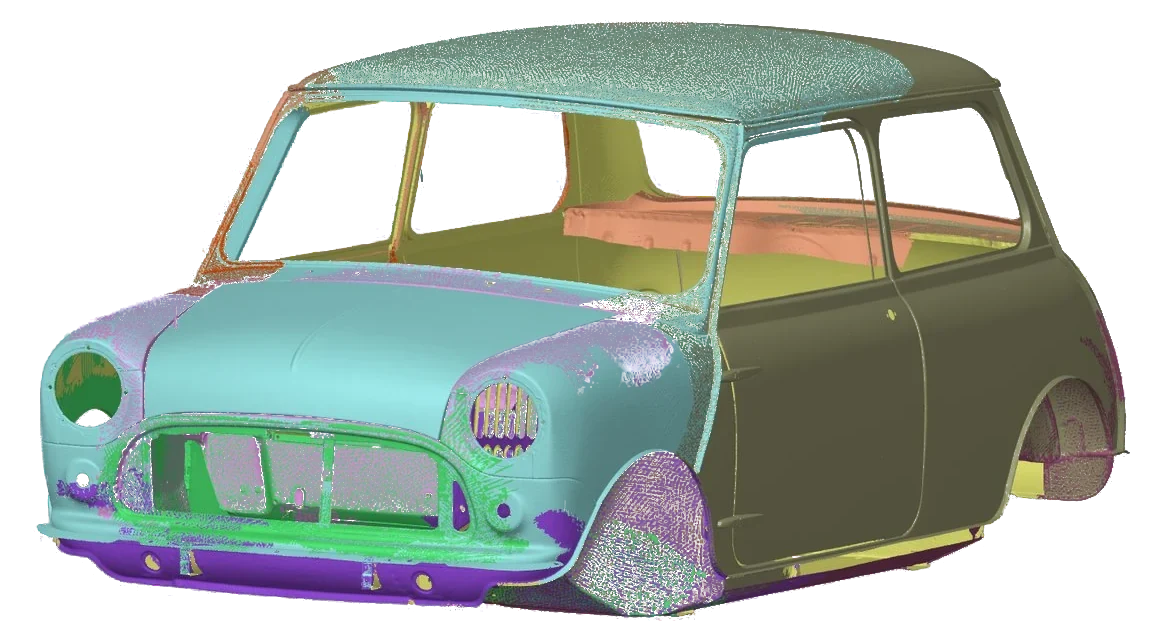
Align all scans with fast and simple tools.
In the Align workspace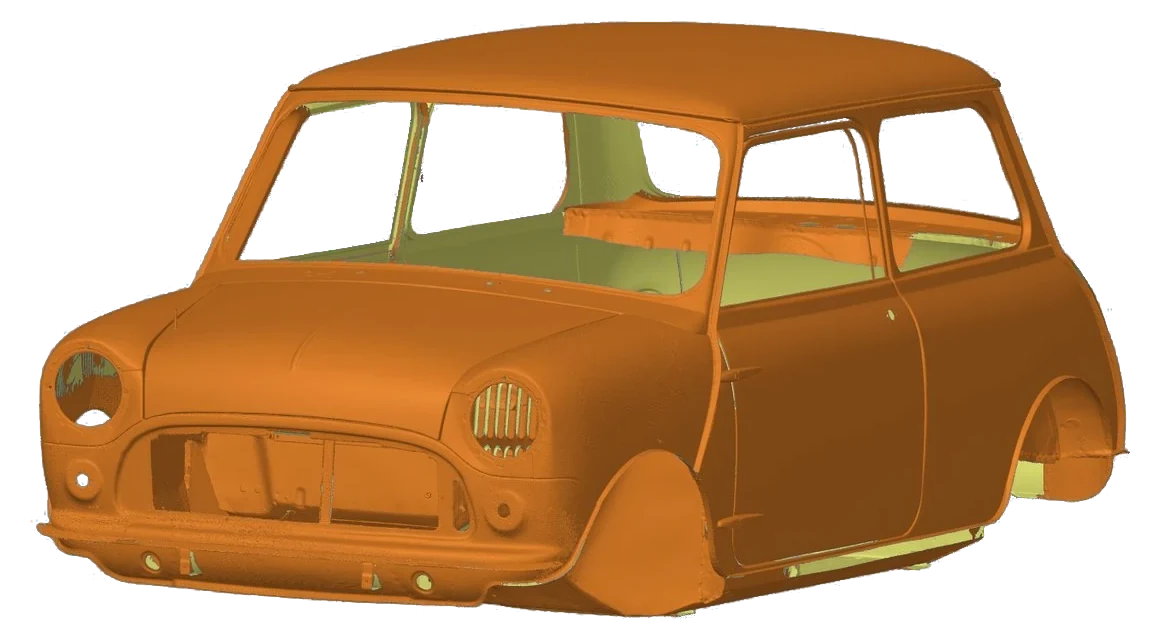
Fused, repaired and ready to surface.
In the Mesh workspace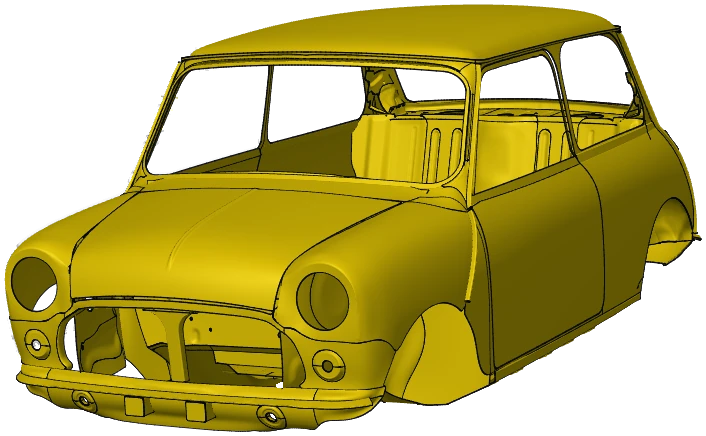
Created by AI in Tesselform.
Even well-aligned scans disagree slightly where they overlap. The Smooth Overlap tool bends each one onto the defined master scan, within a limit you can set. This creates the best possible mesh surface and can correct issues which arose during scanning.
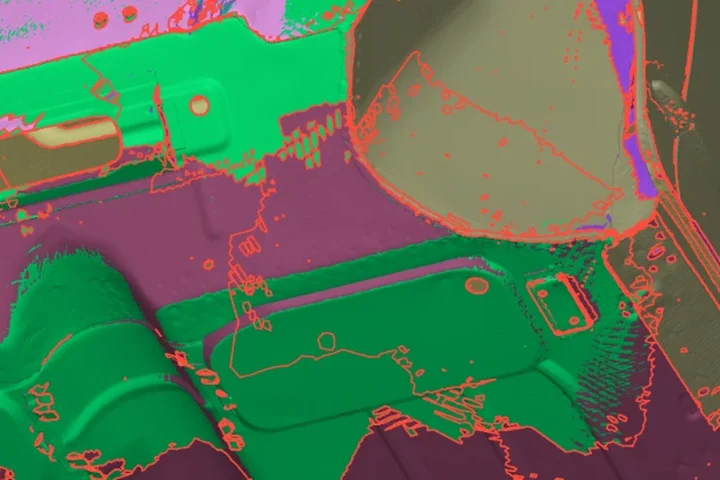
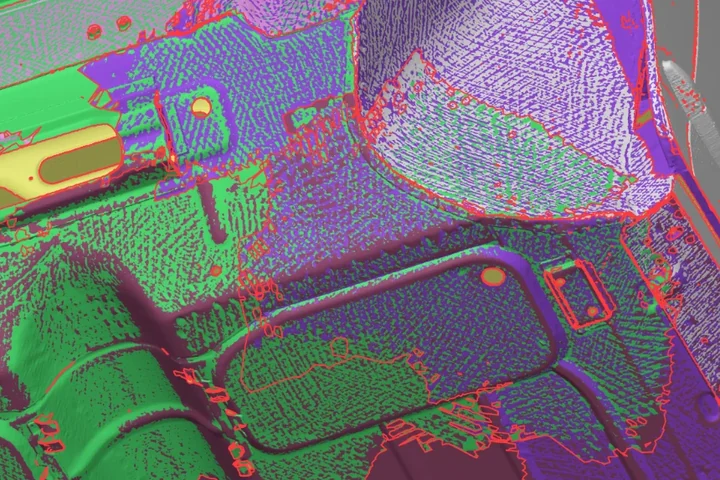
Seven workspaces, one document. Nothing to export and re-import between steps. See all seven
Clean and stitch each scan by hand, in several programs.
Align, fuse and repair in one place, in a few clicks.
Under the hood
Our own geometry kernel was designed and written for reverse engineering from the beginning. We have engineered the tools to be simple to use but also very powerful.
The raw scan · a door skin
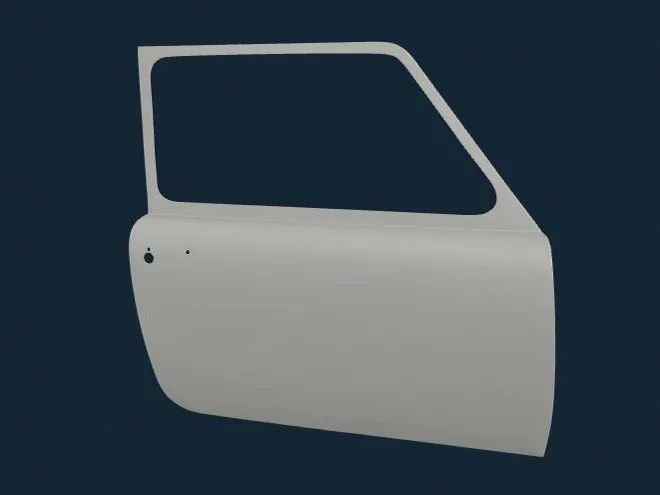
−2+2 mm
Tesselform’s Surface from Mesh, Blend and Trim, simplified to run in your browser on a real door skin scan. The fit, the blend’s radius and the trims are all worked out here, from the scan.
True NURBS surfaces and B-rep solids.
Measure and fit features to the scan.
Scan-guided fitment of NURBS surfaces.
Heavy jobs run in the background on every core.
A built-in MCP server
Ask in plain words. Tesselform builds it while you watch.
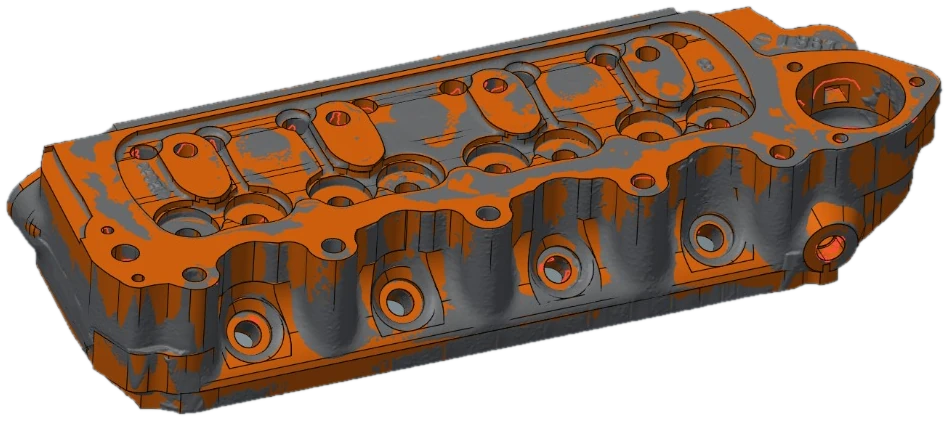
Reverse engineer this cylinder head 3D scan using my defined rules
# ---- 1. the body: the rail to the split, the upper body above itoutline_prism(c, 'Head', parse(O['rail']['points']), 2, DECK, SPLIT)outline_prism(c, 'Upper', parse(O['upper53']['points']), 2, SPLIT, TOP)do(c, 'design_combine', quiet=False, bodies='Head,Upper')# the top is lower beside the thermostat housing and along the far end: two lands cut downfor n, pts, z in (('LandThermo', LAND_THERMO, RIM_Z), ('LandEnd', LAND_END, LAND_END_Z)): outline_prism(c, n, [(arc, np.array([x, y, 0.0])) for arc, x, y in pts], 2, z, TOP + 1.0)cut('Head', ['LandThermo', 'LandEnd'], quiet=False)# the heater take-off: a cone widening from the machined face back into the wallhx, hz = HEATERdo(c, 'design_combine', quiet=False, bodies='Head,HeaterBoss')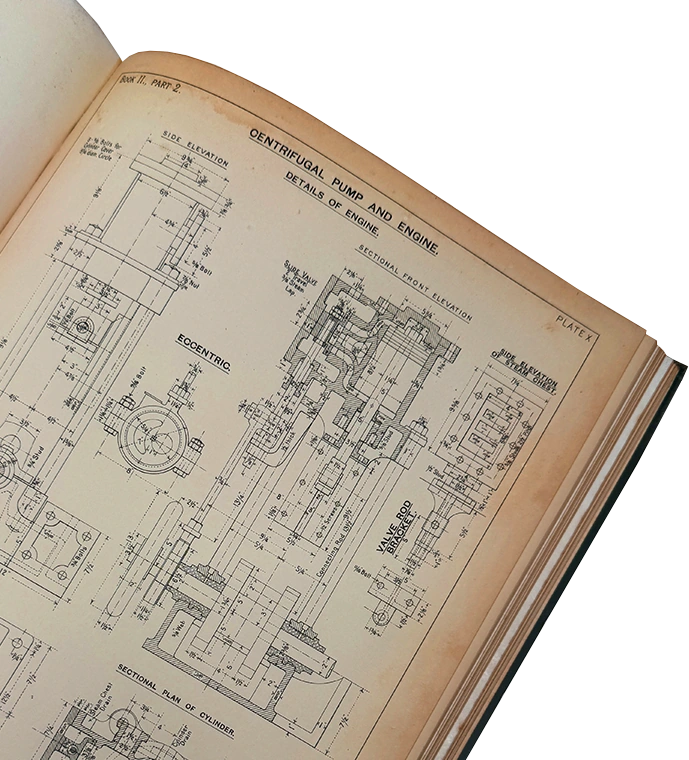
Model this technical drawing
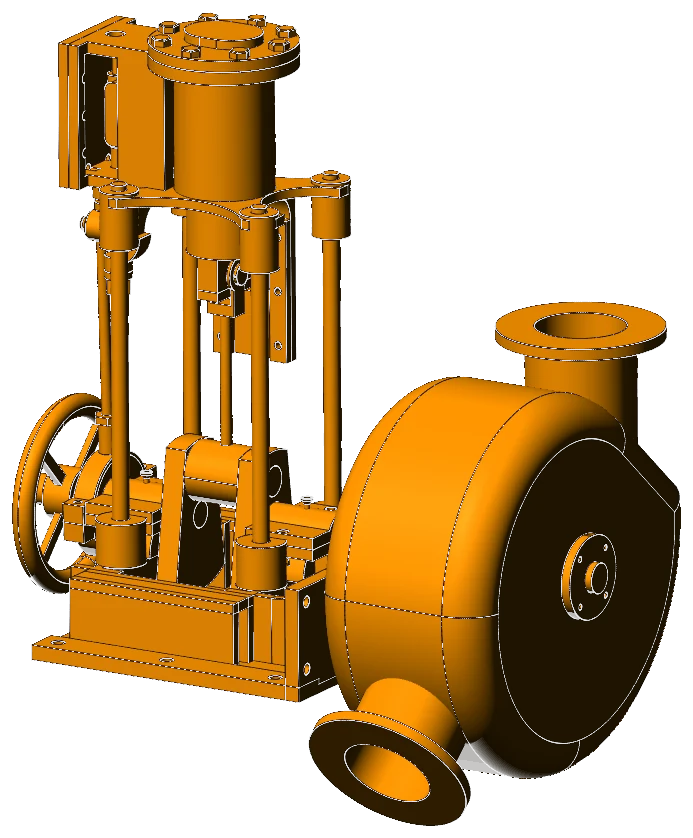
“Make a duct adaptor from a 120 × 60 mm rectangular port to a Ø80 mm round outlet, 150 mm forward, 40 mm up and tilted 25°, blended in smoothly with a 2 mm wall. Then produce a 2D drawing.”
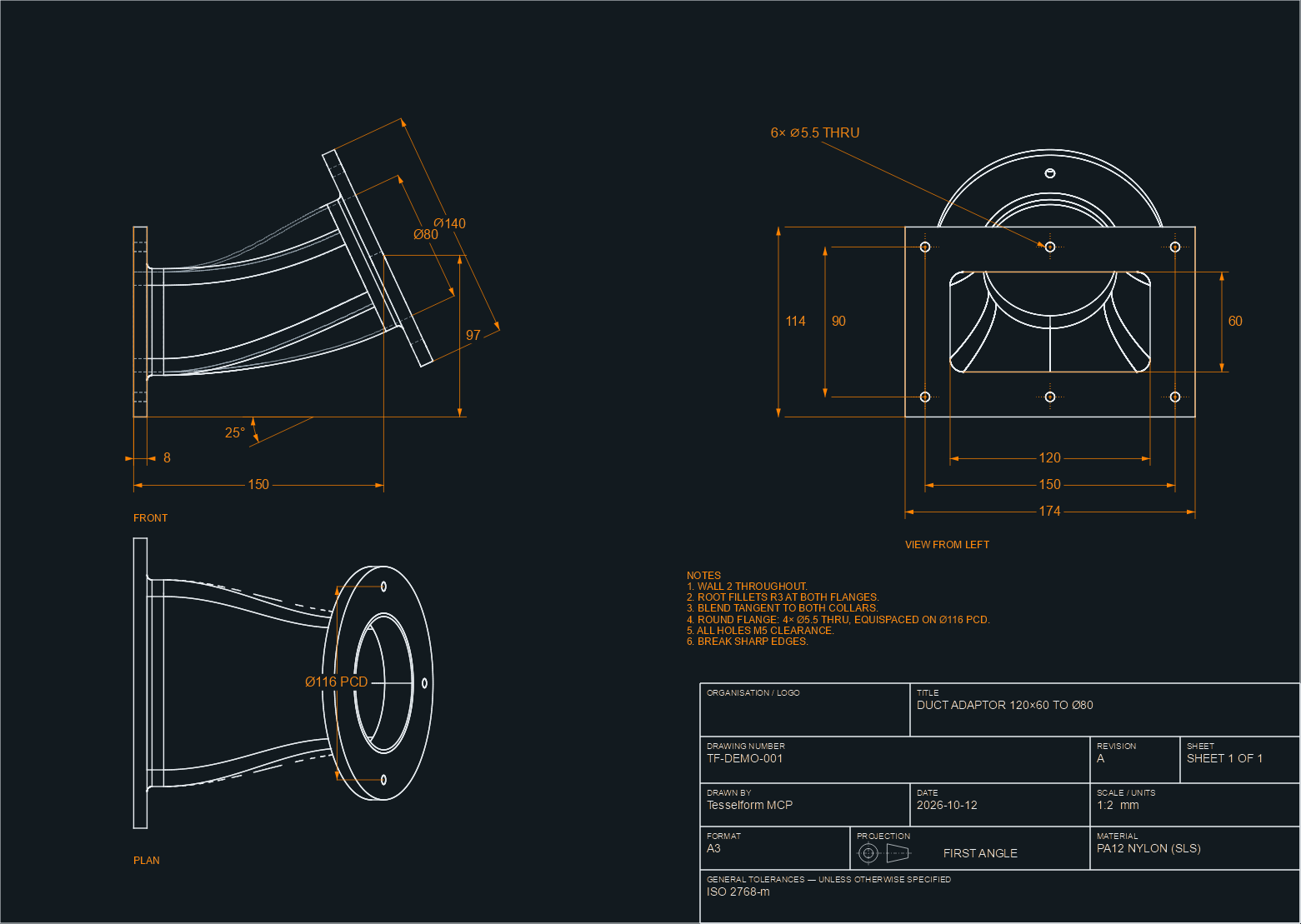 The drawing it produced ↗
Needs the Automation module. See the modules
The model stays yours to edit
Model directly, and every step is kept in the history tree. Change a value and it rebuilds.
A few practical answers
No, we do not charge for the AI. Tesselform has a built-in MCP server; you connect the AI assistant you already use. Our user guides tell you how to set it up.
Yes. AI control is optional. All tools are equally as powerful when controlled by you.
Each modelling step is kept with its values. Change one and the model rebuilds from there.
Automation, plus the module for each tool you use. The Suite includes all four.
Everything you need to go from scan to CAD, in one place.
Align, repair, surface and model in one document. No exporting and re-importing between programs.
See every toolExact NURBS surfaces and B-rep solids, designed and written for reverse engineering.
Under the hoodA built-in MCP server lets the AI assistant you already use do the modelling while you watch.
See AI examplesEverything runs on your own computer. Your scans, models and drawings are never uploaded.
Download itModules from £250 a year, the whole Suite on a pass for a single job, or a perpetual licence.
See pricingE57, LAS, PLY, STL, OBJ and more in.
STEP, IGES, PLY, STL, OBJ and more out.
Per seat, per year. Perpetual licences, and passes for the whole Suite, too. Prices exclude tax.
Free
Open, look around and measure.
£250/year
£750 perpetual licence
Align, repair, texture and print scans.
£250/year
£750 perpetual licence
Surfaces, features and STEP.
£250/year
£750 perpetual licence
Direct modelling with a history tree.
£250/year
£750 perpetual licence
Python, the recorder and AI control.
Best value£750/year
£2,250 perpetual licence
Or a pass: £120 a month, £45 a week
All four modules together.
Built for the part in front of you
Our custom kernel. Your design intent.
Your AI, ready to work alongside you.
7 days, every tool, no card needed. Saving and exporting are switched off until you buy.